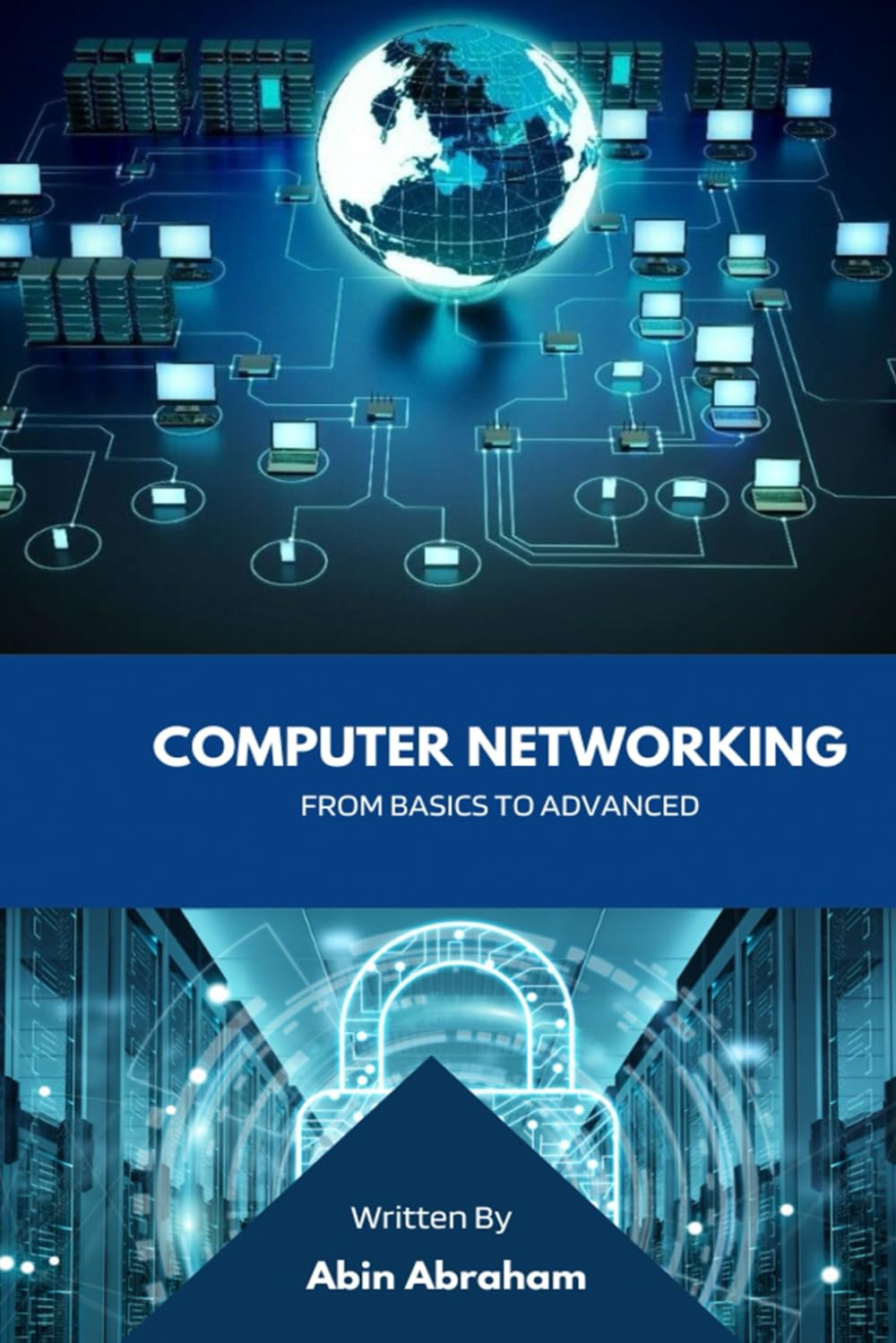
Home Network Mastery: Student Edition is a practical guide designed for students who want to understand and optimize their home networking environment. The content systematically covers essential topics such as router configuration, Wi‑Fi optimization, network security basics, and troubleshooting common connectivity issues. Each chapter is structured to build foundational knowledge without assuming prior technical experience. The material focuses on real‑world scenarios that students commonly face, like managing multiple devices for online classes, streaming, and gaming simultaneously.
Home Network Mastery Student Edition Budget Deal on Amazon

WIFI and Networking
Home Network Mastery: Student Edition
Special Offer
The price is for reference only, the actual price shall be subject to that on Amazon.
Home Network Mastery Student Edition – Budget Deal on Amazon.
A practical student guide covering router setup, Wi‑Fi optimization, security, and troubleshooting. Priced for great value, this resource helps maximize home network performance without expensive upgrades. Ideal for dorm or family use.
Product Description
The guide emphasizes clarity and step‑by‑step instructions, using diagrams and examples to illustrate key concepts. It explains how to assess internet speed requirements, choose appropriate hardware such as modems and routers, and implement simple upgrades to improve network performance. Privacy and security sections introduce firewall settings, password management, and safe browsing practices tailored for shared living spaces like dormitories or family homes. The tone remains neutral and factual, presenting options without endorsing any specific brand or product.
This edition prioritizes cost‑effective solutions, encouraging readers to make the most of existing equipment before considering purchases. It includes budget‑conscious tips for extending Wi‑Fi range, reducing lag during video calls, and prioritizing bandwidth for academic tasks. The language is accessible, avoiding unnecessary jargon, and each term is defined when first introduced. Appendices provide quick reference checklists and common error codes with straightforward fixes.
Students will find the content relevant for both immediate setup needs and long‑term network management. The guide does not require expensive tools or subscriptions, focusing instead on free or low‑cost software utilities and built‑in operating system features. It acknowledges that students often have limited budgets and time, so instructions are concise and action‑oriented. The overall structure allows readers to jump directly to specific sections without reading cover to cover.
Designed as a portable reference, the layout includes clear headings, bullet‑free summaries, and cross‑references between related topics. The book’s durability is ensured by quality paper and binding, suitable for frequent use in backpacks or on desks. While not a hardware manual, it complements any router or ISP documentation by explaining the "why" behind each setting. The approach is purely educational, aiming to empower students to independently resolve up to 90% of common network issues without calling for technical support.